

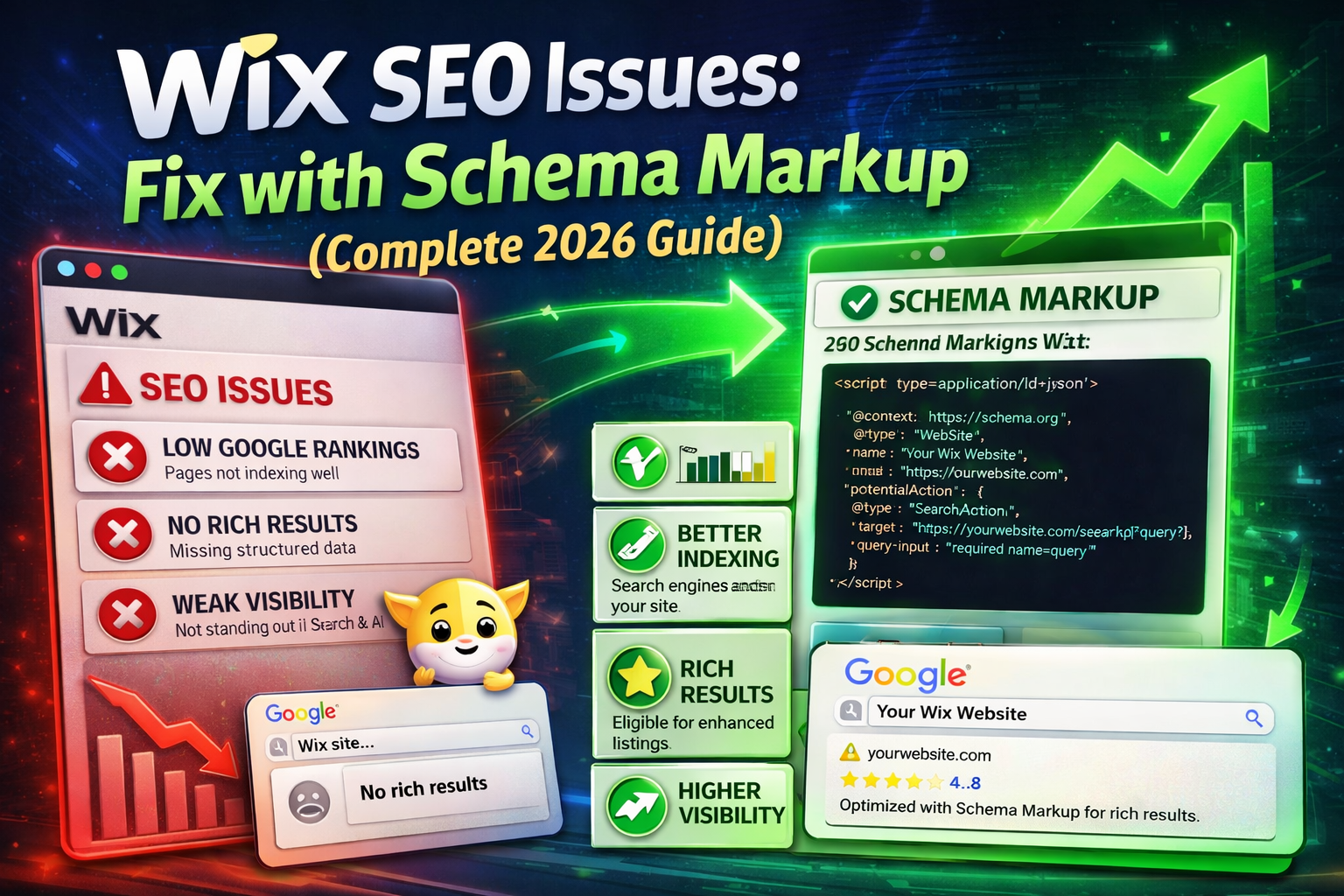
Introduction: Why Your Wix Site Is Invisible to Google
Wix SEO Issues Fix with Schema Secondary Keywords: Wix structured data, Wix JSON-LD, Wix rich results, Wix schema markup tutorial, fix Wix SEO 2026.
You built your Wix website. You added content. You filled in meta titles and descriptions. But your Google rankings are still disappointing — traffic is flat, competitors are outranking you, and you can’t figure out why.
Here’s the truth most Wix tutorials skip: the real problem is missing structured data.
Google doesn’t just read your content — it interprets it. Without Schema markup, you’re giving Google a document with no labels, no categories, and no context. Schema markup is the technical bridge between your Wix content and Google’s understanding of it.
In this guide, you’ll learn:
- The exact Wix SEO issues that hurt your rankings
- Which Schema types fix each problem
- Step-by-step JSON-LD code you can copy-paste today
- How to validate your schema correctly
Author Expertise: This guide is written based on hands-on Wix SEO audits, Google Search Console analysis, and Schema.org implementation testing across multiple live Wix websites.
What Is Schema Markup and Why Does Wix Need It?
Schema markup is structured data code — written in JSON-LD format — that you add to your web pages. It speaks directly to search engine crawlers in their own language, telling them exactly what your page contains.
When implemented correctly, Schema markup produces rich results in Google Search:
- ⭐ Star ratings under your listing
- ❓ FAQ dropdowns in search results
- 💰 Product prices and availability
- 🍞 Breadcrumb navigation trails
- 📅 Event dates and details
These rich results increase your click-through rate (CTR) by up to 30% — which directly improves your organic traffic without needing more backlinks or new content.
Wix specifically needs Schema because its platform has several built-in technical limitations that Schema markup directly compensates for.
5 Core Wix SEO Issues (And How Schema Fixes Each One)
Issue #1: JavaScript Rendering Delays
The Problem: Wix renders pages using client-side JavaScript. Google crawls your raw HTML first — then queues the JavaScript-rendered version for later. This two-wave crawl process means critical content and metadata may be missed or delayed in indexing.
The Schema Fix: JSON-LD schema is injected directly into the HTML <head> — it loads before JavaScript renders. This means Google reads your structured data instantly on the first crawl wave, regardless of JS rendering delays.
Impact: Faster indexing, more consistent metadata pickup, reduced crawl budget waste.
Issue #2: Auto-Generated Duplicate Metadata
The Problem: Wix auto-generates meta titles and descriptions from page content when you don’t set them manually. The result? Near-identical metadata across multiple pages — a soft duplicate content signal that splits your ranking authority.
The Schema Fix: Organization and WebPage schema explicitly declares unique page identity, purpose, and content type. This reinforces to Google that each page is distinct — even when visual metadata overlaps.
Schema to use: Organization, WebPage, Article
Issue #3: Weak Breadcrumb Structure
The Problem: Wix’s breadcrumb navigation isn’t always crawlable in a way Google can parse reliably. Without clear site hierarchy signals, Google may misunderstand your site structure — affecting how it distributes crawl authority across your pages.
The Schema Fix: BreadcrumbList schema explicitly maps your site hierarchy in machine-readable format.
json
{
  "@context": "https://schema.org",
  "@type": "BreadcrumbList",
  "itemListElement": [
    {
      "@type": "ListItem",
      "position": 1,
      "name": "Home",
      "item": "https://www.yourdomain.com"
    },
    {
      "@type": "ListItem",
      "position": 2,
      "name": "Blog",
      "item": "https://www.yourdomain.com/blog"
    },
    {
      "@type": "ListItem",
      "position": 3,
      "name": "Wix SEO Guide",
      "item": "https://www.yourdomain.com/blog/wix-seo-guide"
    }
  ]
}
Impact: Breadcrumb trails appear in Google SERPs, improving CTR and site structure signals.
Issue #4: Missing Rich Result Eligibility
The Problem: Wix’s default schema output is minimal. Blog posts get basic Article schema. Products get partial Product schema. But the specific fields Google requires for rich results — ratings, author credentials, pricing, FAQs — are almost never present by default.
The Schema Fix: Manually inject complete, field-rich schema for each page type.
Article Schema (for Wix Blog):
json
{
  "@context": "https://schema.org",
  "@type": "Article",
  "headline": "Wix SEO Issues: Fix with Schema Markup",
  "image": "https://www.yourdomain.com/wix-seo-schema.jpg",
  "author": {
    "@type": "Person",
    "name": "Your Full Name",
    "url": "https://www.yourdomain.com/about"
  },
  "publisher": {
    "@type": "Organization",
    "name": "Your Brand Name",
    "logo": {
      "@type": "ImageObject",
      "url": "https://www.yourdomain.com/logo.png"
    }
  },
  "datePublished": "2026-01-10",
  "dateModified": "2026-03-31",
  "description": "Complete guide to fixing Wix SEO issues using Schema markup and JSON-LD structured data."
}
FAQPage Schema (for SERP Dropdowns):
json
{
  "@context": "https://schema.org",
  "@type": "FAQPage",
  "mainEntity": [
    {
      "@type": "Question",
      "name": "Does Wix support Schema markup?",
      "acceptedAnswer": {
        "@type": "Answer",
        "text": "Yes. Wix allows custom JSON-LD schema injection via Settings > Custom Code in your dashboard."
      }
    },
    {
      "@type": "Question",
      "name": "How do I add structured data to Wix?",
      "acceptedAnswer": {
        "@type": "Answer",
        "text": "Go to Wix Dashboard > Settings > Custom Code. Add your JSON-LD script in the Head section, choosing All Pages or specific pages."
      }
    },
    {
      "@type": "Question",
      "name": "Will Schema markup improve my Wix SEO rankings?",
      "acceptedAnswer": {
        "@type": "Answer",
        "text": "Schema does not directly boost rankings but enables rich results which significantly improve CTR — an indirect but powerful ranking signal."
      }
    }
  ]
}
Issue #5: eCommerce Product Data Gaps
The Problem: Wix Store pages often have incomplete Product schema — missing price, availability, and review data that Google Shopping and organic SERPs use to serve product rich results.
The Schema Fix:
json
{
  "@context": "https://schema.org",
  "@type": "Product",
  "name": "Your Product Name",
  "image": "https://www.yourdomain.com/product.jpg",
  "description": "Clear product description for Google and users.",
  "sku": "SKU-001",
  "brand": {
    "@type": "Brand",
    "name": "Your Brand"
  },
  "offers": {
    "@type": "Offer",
    "priceCurrency": "USD",
    "price": "39.99",
    "availability": "https://schema.org/InStock",
    "url": "https://www.yourdomain.com/product/name"
  },
  "aggregateRating": {
    "@type": "AggregateRating",
    "ratingValue": "4.8",
    "reviewCount": "94"
  }
}
Impact: Star ratings, price, and stock status appear directly in Google Search — dramatically improving product CTR.
How to Add Schema to Wix: Exact Steps
- Open Wix Dashboard → Click Settings
- Go to Custom Code → Click + Add Custom Code
- Paste your schema wrapped in:
html
<script type="application/ld+json">
{ your schema code here }
</script>- Set placement to Head
- Choose scope: All Pages (Organization) or Specific Page (Article, Product, FAQ)
- Name it clearly: “Schema — FAQPage — Wix SEO Guide”
- Click Apply → Publish your site
Validate Your Schema (Non-Negotiable Step)
Never publish schema without validation. Use these free tools:
| Tool | Purpose |
|---|---|
| Google Rich Results Test | Checks rich result eligibility |
| Schema Markup Validator | Full Schema.org compliance check |
| Google Search Console | Monitors live schema errors sitewide |
Broken schema can trigger Google manual actions. Always validate before publishing.
E-E-A-T Signals: Make Google Trust Your Wix Site
Google’s E-E-A-T (Experience, Expertise, Authoritativeness, Trustworthiness) framework evaluates content quality. Schema directly supports E-E-A-T signals:
- Add Person schema with author credentials on every blog post
- Use Organization schema with verified social profiles (
sameAsfield) - Include Review schema with genuine user ratings
- Keep
dateModifiedupdated — freshness is an E-E-A-T signal
Internal Linking Strategy for Wix SEO
Schema alone isn’t enough. Pair it with strong internal linking:
- Link every blog post to your main service/product pages
- Create a topic cluster structure: one pillar page + 5–8 supporting posts
- Use descriptive anchor text with your target keywords
- Add a Related Articles section at the bottom of every post
Suggested internal links for this topic:
- “How to Set Up Wix SEO Settings” → links to your Wix basics guide
- “Wix vs WordPress SEO Comparison” → links to your platform comparison post
- “Google Search Console Setup for Wix” → links to your GSC tutorial
Quick Wins Checklist: Wix Schema SEO Audit
Before you finish, run through this checklist:
- Organization schema on homepage
- BreadcrumbList on all inner pages
- Article schema on every blog post (with dateModified)
- FAQPage schema on FAQ-containing pages
- Product schema on all store pages (with aggregateRating)
- All schema validated in Rich Results Test
- Google Search Console Enhancements monitored
- Author Person schema on blog posts (E-E-A-T)
Conclusion: Schema Is Your Wix SEO Superpower
Wix gives you a solid foundation — but it leaves critical structured data gaps that cost you rankings, rich results, and clicks every single day. Schema markup is not optional for serious Wix SEO. It’s the technical layer that makes everything else you do — content, backlinks, page speed — actually work harder.
The code is in this guide. The validation tools are free. The implementation takes under 30 minutes per page type.
For more SEO guides, visit VyvyManga Tech